Emulation (macOS)
VZ
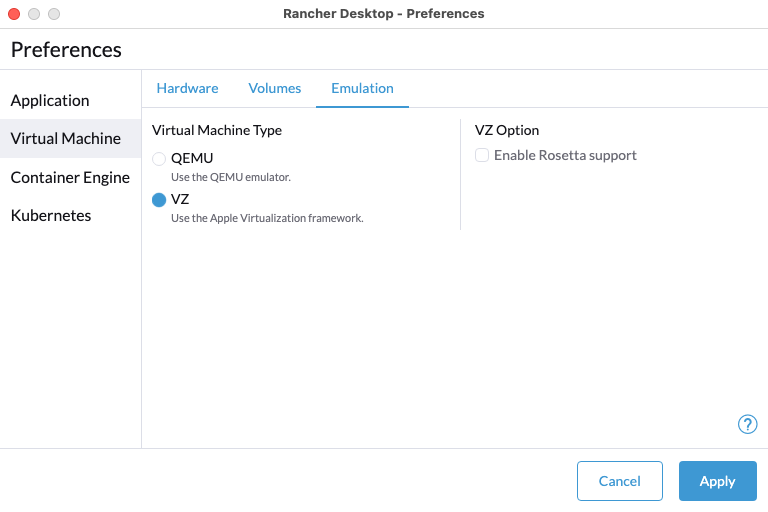
The VZ option is enabled by default and uses the native macOS Virtualization.Framework for running a guest machine. You can switch the virtual machine type after the first run.
The Enable Rosetta support suboption can also be enabled when using VZ as your virtual machine type. It turns on Rosetta so you can run applications that contain x86_64 instructions on Apple silicon. This suboption appears only on Apple silicon.
QEMU
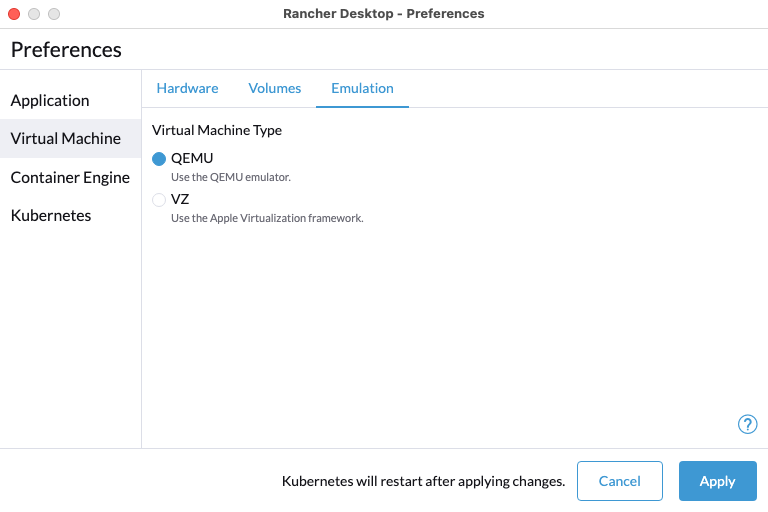
You can also enable the QEMU option to use QEMU for running a guest operating system.