General
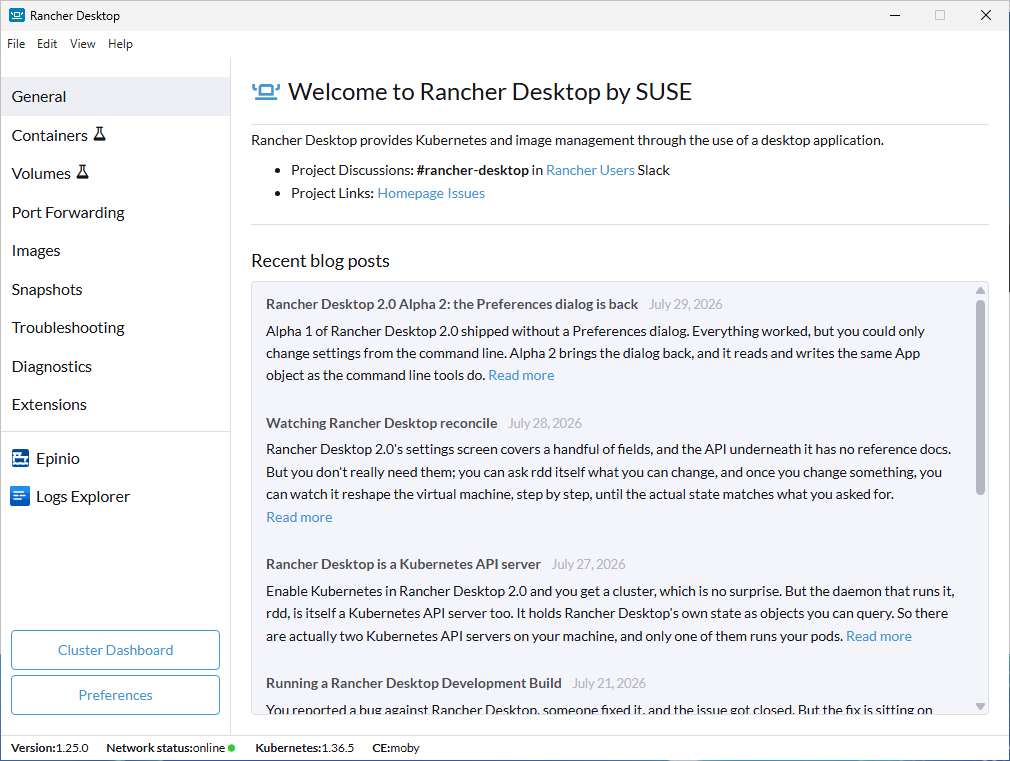
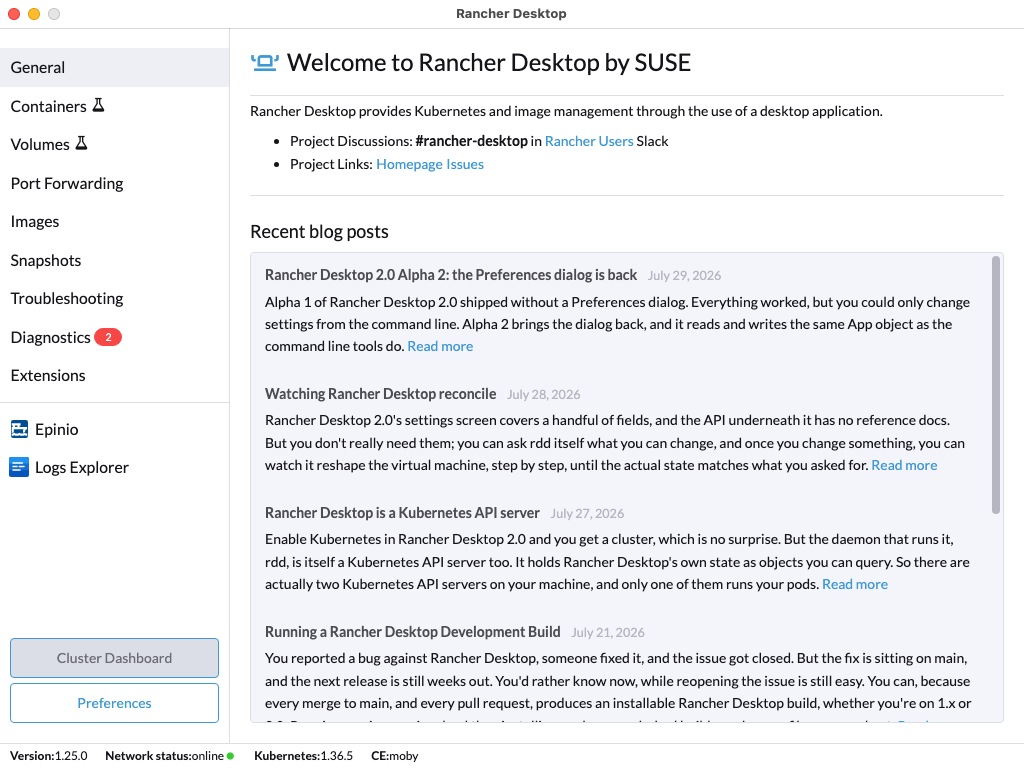
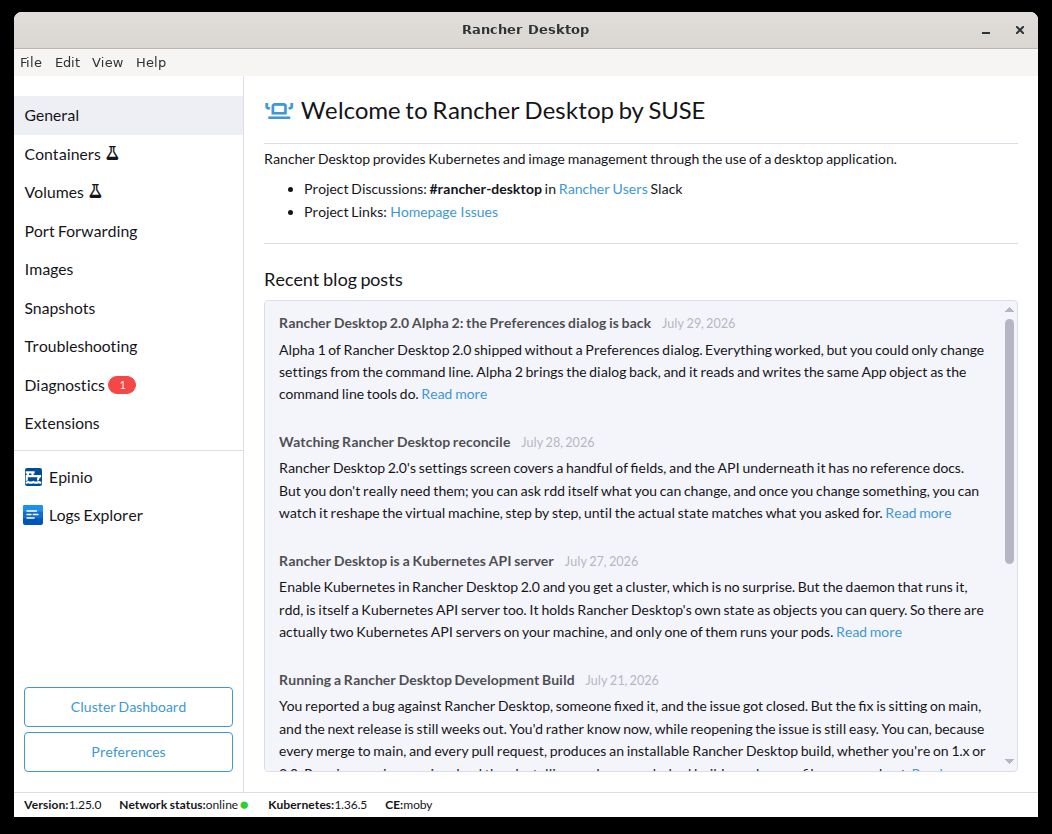
The General tab links to the project's Slack channel and GitHub repository, lists recent posts from the Rancher Desktop blog, and reports the status of application updates.
- Windows
- macOS
- Linux
Project Discussions and Links
Project Discussions links to the #rancher-desktop channel in the Rancher Users Slack, where you can ask questions and talk to the team and other users. Project Links goes to the GitHub repository and its issue tracker, where you file bug reports and feature requests.
Updates
When a new release is available, an Update Available section appears, with the download progress and an expandable copy of the release notes. Once the download finishes, a Restart Now button installs it. If the newest release does not support your system, the section reads Latest Version Not Supported instead.
On macOS and Windows, a Check for updates automatically checkbox appears next to the page title. It sets the same preference as the checkbox in Preferences > Application > General. AppImage installs show it too, but Rancher Desktop does not update itself on Linux.
Recent Blog Posts
Posts from the Rancher Desktop blog fill the rest of the page, newest first, each with its date and opening paragraph. Click the title or Read more to open the full post in your browser.
Rancher Desktop fetches the list from the blog and caches it for an hour. If it cannot reach the site, the page shows only the project links.