Kubernetes
- Windows
- macOS
- Linux
Enable Kubernetes
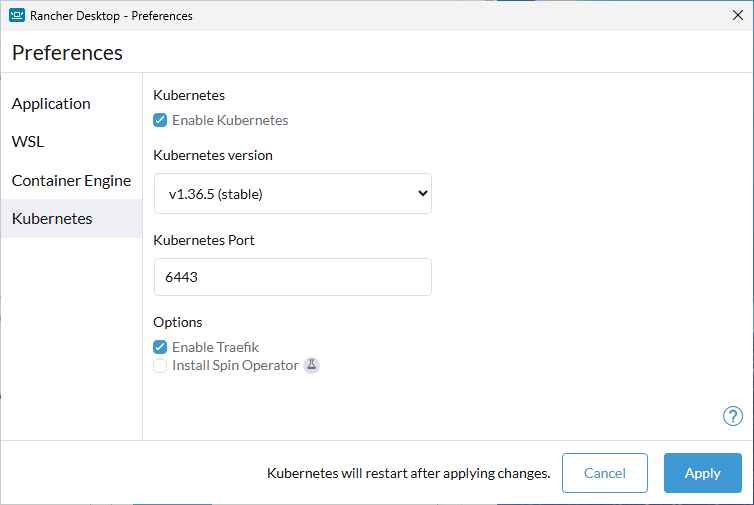
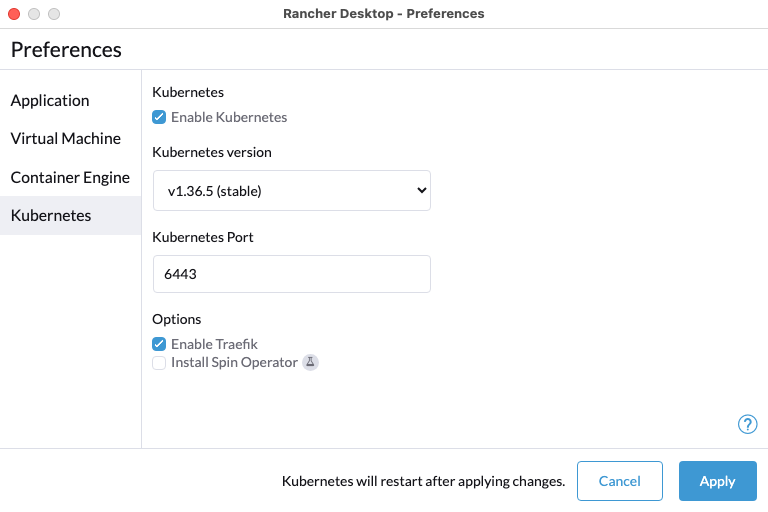
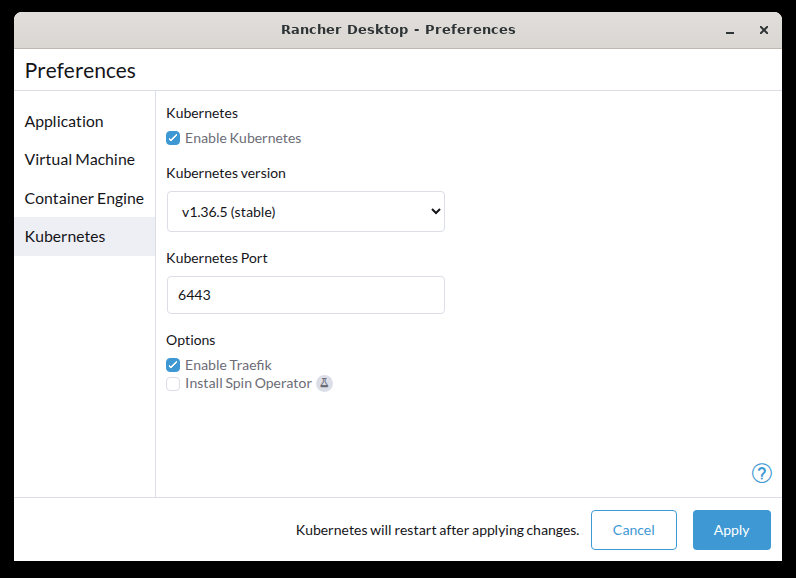
This option allows you to enable or disable Kubernetes. By disabling Kubernetes, you can run just containerd or dockerd by itself for reduced resource consumption. By default, Kubernetes is enabled.
To enable/disable Kubernetes, just check/uncheck the Enable Kubernetes checkbox. The app will be restarted when you enable/disable Kubernetes. Disabling Kubernetes will not delete existing resources and they will be available again when you enable Kubernetes again.
Kubernetes Version
This option presents a list of Kubernetes versions that your Rancher Desktop instance can use.
Rancher Desktop 1.26 will drop Kubernetes versions older than 1.32. If you use an older version, move to 1.32 or later while Rancher Desktop 1.25 still lets you go back. Take a snapshot, switch versions as described below, and check that your workloads still run; if they don't, restore the snapshot.
When Rancher Desktop 1.26 starts with an older version selected, it will upgrade Kubernetes to the latest 1.32 release. That upgrade can cross several minor versions at once and may break your workloads. Restoring a snapshot taken on an older version will trigger the same upgrade, so replace such snapshots with new ones taken on 1.32 or later.
If a deployment profile locks an older version, Kubernetes won't start until you change the profile.
When upgrading:
- A check is performed to see if the target Kubernetes version is available locally. If not, it downloads the files.
- Workloads are retained.
- Images are retained.
When downgrading:
- Workloads are removed.
- Images are retained.
To switch versions:
- Click the Kubernetes version drop-down menu.
- Select the version you want to change to.
Kubernetes Port
Set the port Kubernetes is exposed on. Use this setting to avoid port collisions if multiple instances of K3s are running.
Options
Enable Traefik
This option allows you to enable or disable Traefik. By disabling Traefik, you can free up port 80 and 443 for alternate ingress configuration. By default, Traefik is enabled.
Disabling Traefik uninstalls it and removes its custom resource definitions. So Kubernetes also deletes every IngressRoute, Middleware, and other Traefik resource in the cluster. Turning Traefik back on reinstalls it, but those resources don't come back. Your Ingress and Gateway API resources stay.
Install Spin Operator
This is an experimental setting.
This option will install the spinkube operator with the cert-manager prerequisite, and configure it with the spin RuntimeClass.
This option requires that the WebAssembly support is enabled.
Rancher Desktop automatically installs the spin cli and the kube plugin to help develop and deploy Spin applications on Kubernetes.